
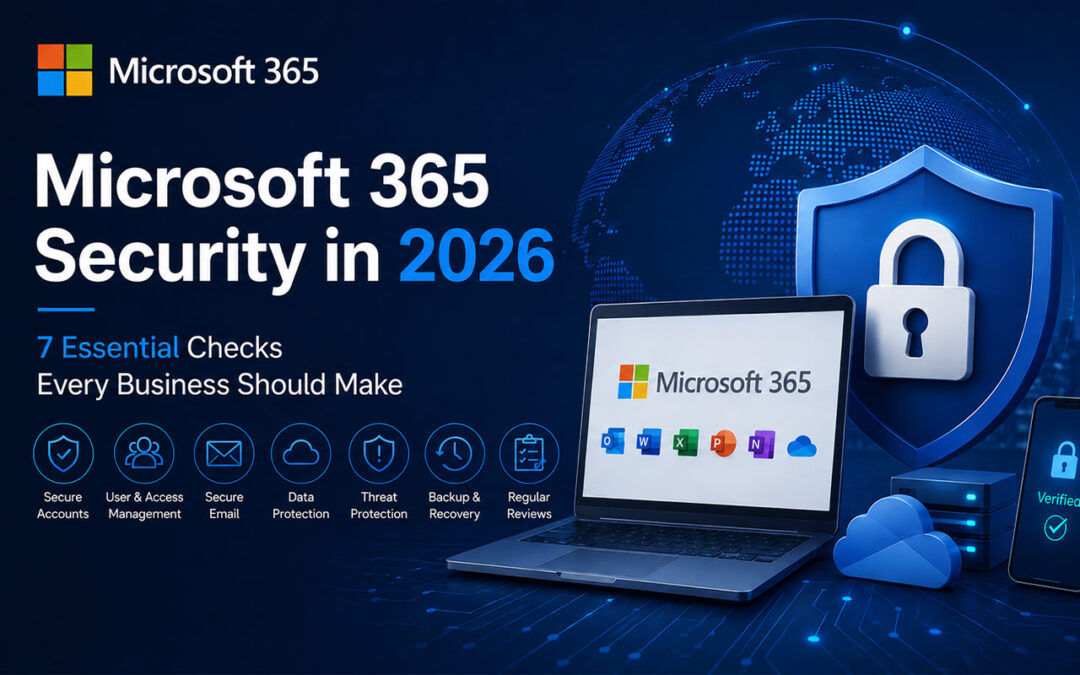
Microsoft 365 is now at the heart of how most businesses work.
Email, OneDrive, SharePoint and Teams are used every day, often without much thought about what is happening behind the scenes. Once everything is set up and working, it is very easy to simply leave it alone.
The problem is that Microsoft 365 security should not be something you configure once and forget about.
Businesses change. Employees come and go, new devices are added, permissions change and unfortunately the methods used to target businesses keep changing too.
Here are seven things we believe every business using Microsoft 365 should be checking.
1. Is Multi Factor Authentication Enabled?
This should really be one of the first things to check.
A password on its own is simply not enough anymore. It can be stolen through a phishing email, reused on another website that gets compromised, or obtained in several other ways.
Multi Factor Authentication adds an additional verification step when somebody signs in.
It is a relatively simple change, but it can make a huge difference if a password ever falls into the wrong hands.
At the very least, every administrator account should have MFA enabled. Ideally, every user should.
2. Who Has Administrator Access?
Over time it is surprisingly easy to end up with more administrator accounts than you actually need.
Perhaps somebody was given administrator access to solve a problem years ago. Maybe an external supplier needed temporary access. Or an employee changed role but their permissions were never changed.
It is worth checking.
Most users simply do not need administrator access to Microsoft 365.
The fewer administrator accounts you have, the fewer highly privileged accounts there are for somebody to target.
3. How Well Are Your Emails Protected?
Phishing emails are nothing new, but they are becoming much harder to spot.
We are seeing emails that look increasingly professional and convincing. They may pretend to come from Microsoft, a supplier, a bank, a colleague or even somebody within your own company.
With AI now making it incredibly easy to generate convincing emails, the days when you could identify most scams because of terrible spelling are quickly disappearing.
Microsoft 365 has a number of security features designed to help identify suspicious emails, links and attachments.
The important thing is making sure these protections are actually configured correctly.
Your staff also need to know what to look out for. If an email suddenly asks somebody to log in, make a payment, open an unexpected attachment or change bank details, it should always be treated with caution.
4. Check Email Forwarding and Mailbox Rules
This is one that businesses can easily miss.
If somebody manages to gain access to an email account, they may create a rule that automatically forwards emails somewhere else.
The actual user may continue receiving and sending emails normally and have no idea that somebody else is quietly receiving copies.
This is why mailbox rules and external forwarding should be checked, especially when there has been any suspicious activity on an account.
Where external forwarding is not required, it is generally better to restrict it.
5. What Happens When Somebody Leaves?
When an employee leaves a company, removing their Microsoft 365 licence is not always the whole story.
Their access needs to be removed, existing sessions may need to be signed out and the business needs to decide what happens to their email and files.
Does somebody else need access to their mailbox?
Are important documents sitting in their OneDrive?
Should their email address continue receiving messages?
These are things that should form part of a proper employee offboarding process.
It is also worth occasionally checking your Microsoft 365 users for old or unused accounts that may have been forgotten.
6. Could You Recover Your Data If Something Went Wrong?
One question we often encourage businesses to ask is very simple:
If an important file, mailbox or folder disappeared tomorrow, could we get it back?
Microsoft provides various retention and recovery options within Microsoft 365, but businesses should understand exactly what is protected and for how long.
Important company information may be spread across Exchange Online, OneDrive, SharePoint and Teams.
You should know what needs protecting and what your recovery options would actually be if something went wrong.
Do not wait until you lose something important to find out.
7. When Was Your Microsoft 365 Setup Last Reviewed?
This is probably the easiest question of all.
When was the last time somebody actually went through your Microsoft 365 environment and checked it?
Not because something was broken.
Not because somebody could not log in.
Just to make sure everything was still configured properly.
A business that had ten employees three years ago may now have thirty. New mailboxes may have been created, permissions added, devices changed and applications connected.
Meanwhile Microsoft itself is constantly adding and changing security features.
A setup that was perfectly fine a few years ago may not necessarily be the setup you would recommend today.
It Does Not Have to Be Complicated
Improving Microsoft 365 security does not necessarily mean buying lots of new software or making life difficult for your employees.
Sometimes it is simply about checking what you already have.
Make sure MFA is enabled. Check who your administrators are. Review your email security. Remove accounts you no longer need. Make sure your data can be recovered.
Most importantly, review things from time to time rather than waiting until something goes wrong.
A little preventative work can save a business a very big headache later.
Need Help With Microsoft 365?
At Brimmer Networking Solutions, we help businesses in Malta manage and secure their Microsoft 365 environments.
Whether you need somebody to review your existing setup, improve security, manage your users and email, or simply make sure everything is configured as it should be, we can help.
If it has been a while since your Microsoft 365 environment was reviewed, feel free to get in touch.